Phase 3 of 12 · Design Operator
Prototype & Design
Phase 3 is the work of learning through interactive prototypes, where critique, accessibility, user evidence, and production readiness still need human judgement.
Use interactive artifacts to learn faster, while keeping design judgement and production readiness explicit.
Decision rules
Each rule connects a real situation to the skill or playbook that fits it. Linked terms open canonical sources.
| Situation | Missing skill | Recommended playbook | Alternatives | Why |
|---|---|---|---|---|
| A generated prototype is close but has to ship to real users at production quality. | Design judgement | frontend-design | design-iterator | Frontend-design treats the artifact as code that has to ship; design-iterator keeps it disposable, which is wrong when polish is the bar. |
| AI-generated screens look pretty but no one has critiqued them against real design standards. | Prototype critique | ui-ux-pro-max | frontend-design review | Ui-ux-pro-max critiques against design system, content and accessibility in one pass; a frontend-design review is narrower and code-focused. |
| The first prototype is wrong on detail but the overall direction is right. | Iteration discipline | design-iterator | frontend-design | Design-iterator converges through repeated cheap revisions; switch to frontend-design once changes stop improving the artifact and you need production code. |
| A flow tests fine screen-by-screen but breaks down across the full user journey. | Journey mapping | pm-market-research:customer-journey-map | Service blueprinting | Customer-journey-map keeps the lens on what the user experiences; service blueprinting adds the backstage systems and roles, which matters once ops are involved. |
Watch

Reality
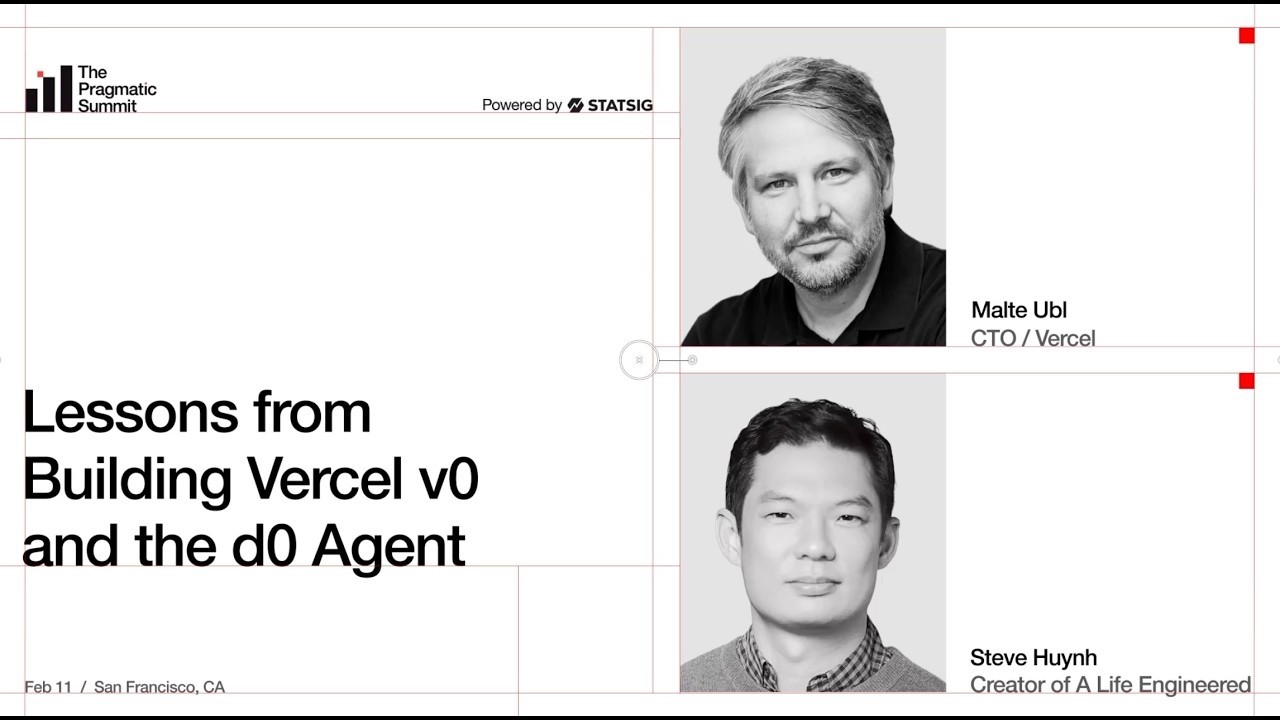
Generative UI makes prototypes cheap enough to precede a full PRD. That speeds learning, but the prototype still needs critique, accessibility checks, user evidence, and a production handoff.
Required skills
- Prototype critique
- Interaction design judgement
- Accessibility review
- Usability testing
- Prototype-to-spec handoff
Viable tools
Failure modes
- Pretty but unvalidated screens
- Prototype mistaken for production readiness
- Design-system drift
- Accessibility gaps
Next operating step
Use generated prototypes to validate interaction and value assumptions, then document what the prototype proves, omits, and must not be mistaken for production readiness.
Working through Prototype & Design?
I advise teams on this part of the lifecycle. Get in touch → if you want a direct, vendor-free conversation about what's worth doing next.